PROJECT
Pawlicy Advisor
Design System
INDUSTRY
Pet Insurance
E-Commerce
Series A Startup
ROLE
UX Research
Visual Design
COLLABORATORS
Marketing
Engineering
TOOLS
Figma
TryMata
Builder.io
Vercel
Chromatic
Storybook
Tailwind CSS
ClickUp
YEAR
2022
Design systems at early-stage startups aren't about perfection — they're about building the infrastructure that lets a company grow. The real skill isn't just creating a beautiful component library. It's knowing which problems to solve first, getting cross-functional buy-in, and designing a process that improves the system continuously.

I joined Pawlicy Advisor, an early-stage pet insurance marketplace in May 2022 as the first designer AND member of the product team. Before I arrived, design decisions were made ad hoc: sometimes by marketing, sometimes by engineers, never in coordination. There was no shared visual language, no component library, and no documentation. And even when two elements were looked the same on screen, each engineer built them independently, so the code underneath was completely different. The result was a site that shipped slowly, accumulated tech debt with every release, and looked like it was designed by a committee that had never met.
PROBLEM
As a designer, it's easy to get caught up in the blues that don't match and how many fonts are used. But this was more than an aesthetic issue: our users noticed it too.
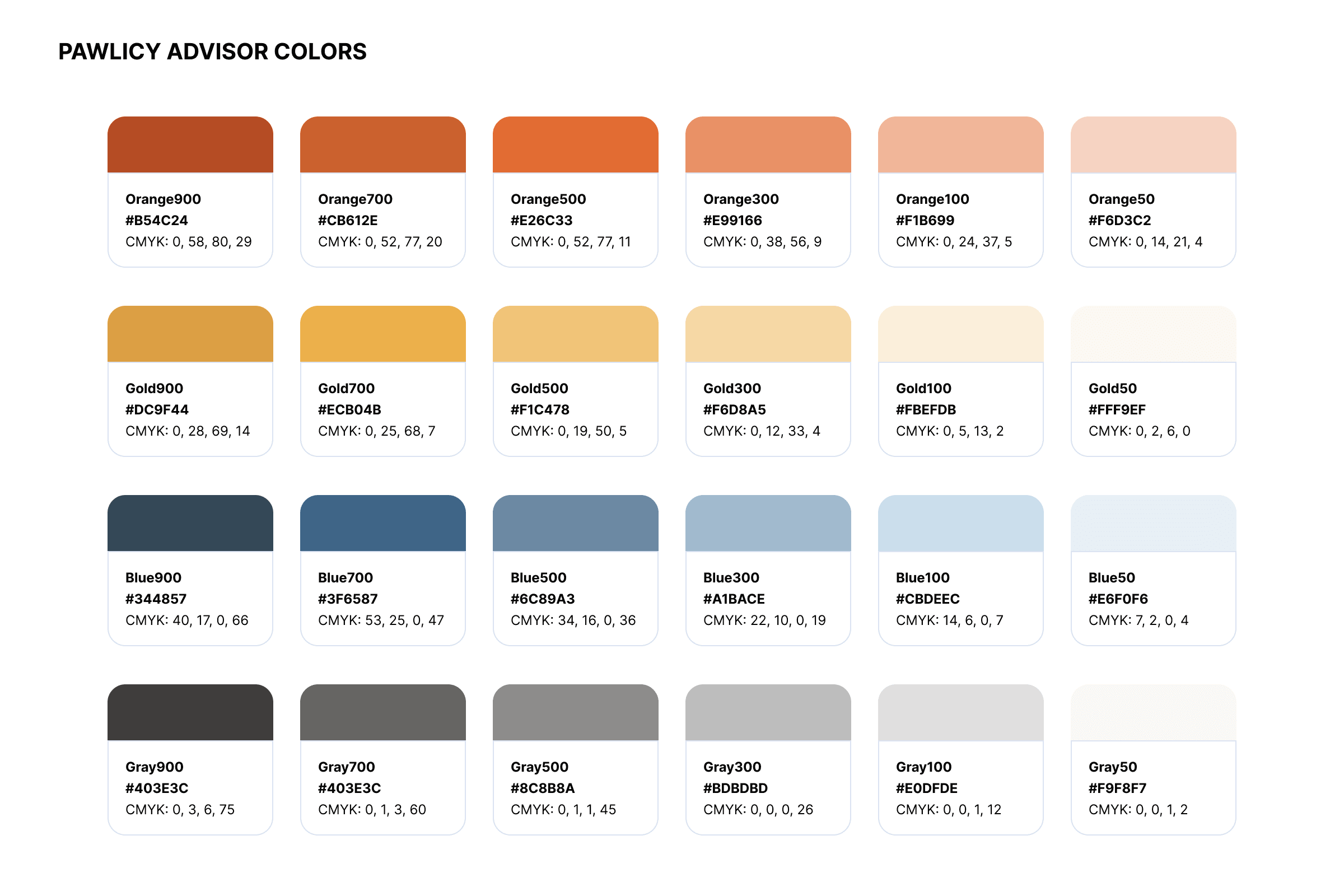
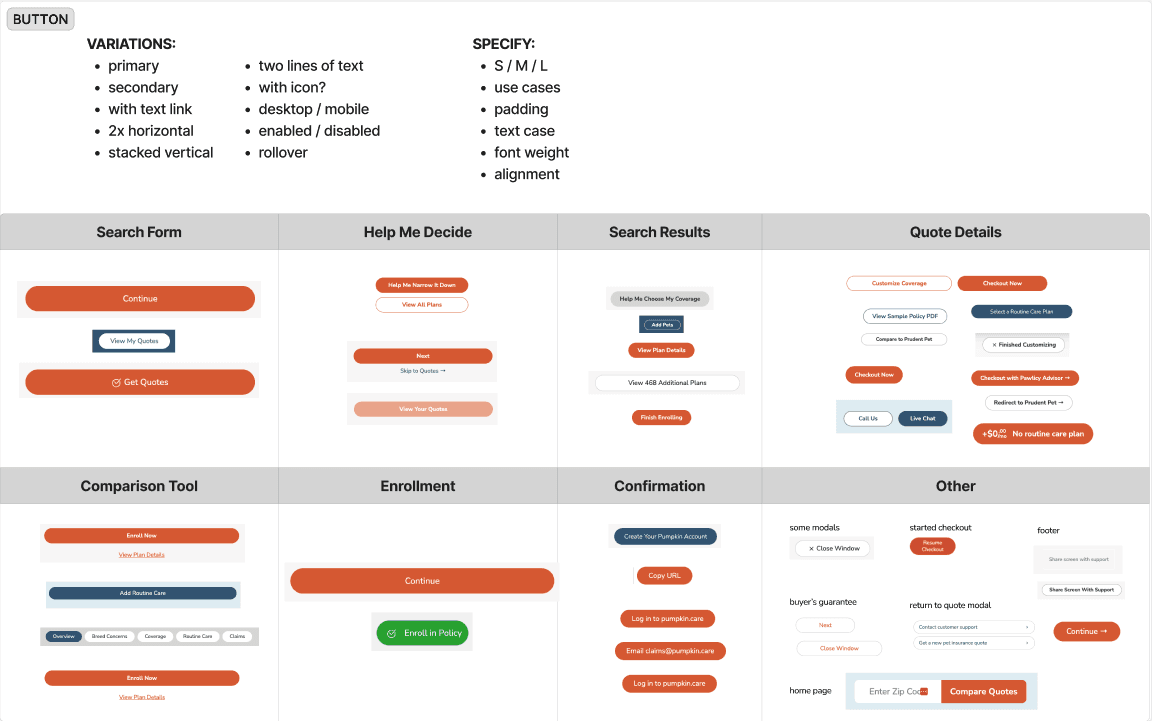
Through user research with dozens of pet parents, a pattern emerged quickly. People landing on Pawlicy Advisor weren't just confused — they were suspicious. They'd spot inconsistent colors (14 different shades of light blue and 7 versions of navy), mismatched design elements, or terminology that shifted between pages, and their instinct was that something was off. Some users literally wondered if the site was a scam. And we saw a huge drop-off from users that reached the quote form, but never submitted their pet's information.
"Is this one of those sites that steals your data?"
— KEVIN S.
"It's actually really helpful, but it looks like a scam."
— MELISSA R.
"I don't want to give this company my information."
— DRAKE W.
It was a brutal thing to uncover, but it explained a lot. Pet insurance is already a category where consumers are skeptical — most people's reference points are frustrating experiences with health or auto insurance. Pawlicy needed to earn trust visually before a user would even consider entering their pet's information. Instead, the design was actively undermining it. The design inconsistency was a business problem.
CONSTRAINTS
There was no budget for new assets. There wasn't enough engineering bandwidth to halt product development and rebuild the design system from the ground up. And there was no existing documentation — no audit trail of why decisions had been made, just the decisions themselves.
A traditional rebrand — where you either roll out new pages one at a time (creating a prolonged inconsistent experience) or go dark for months to rebuild everything at once — wasn't an option. Either path would have made the trust problem worse before it got better. We would have to roll out the design system updates one component at a time.
PROCESS
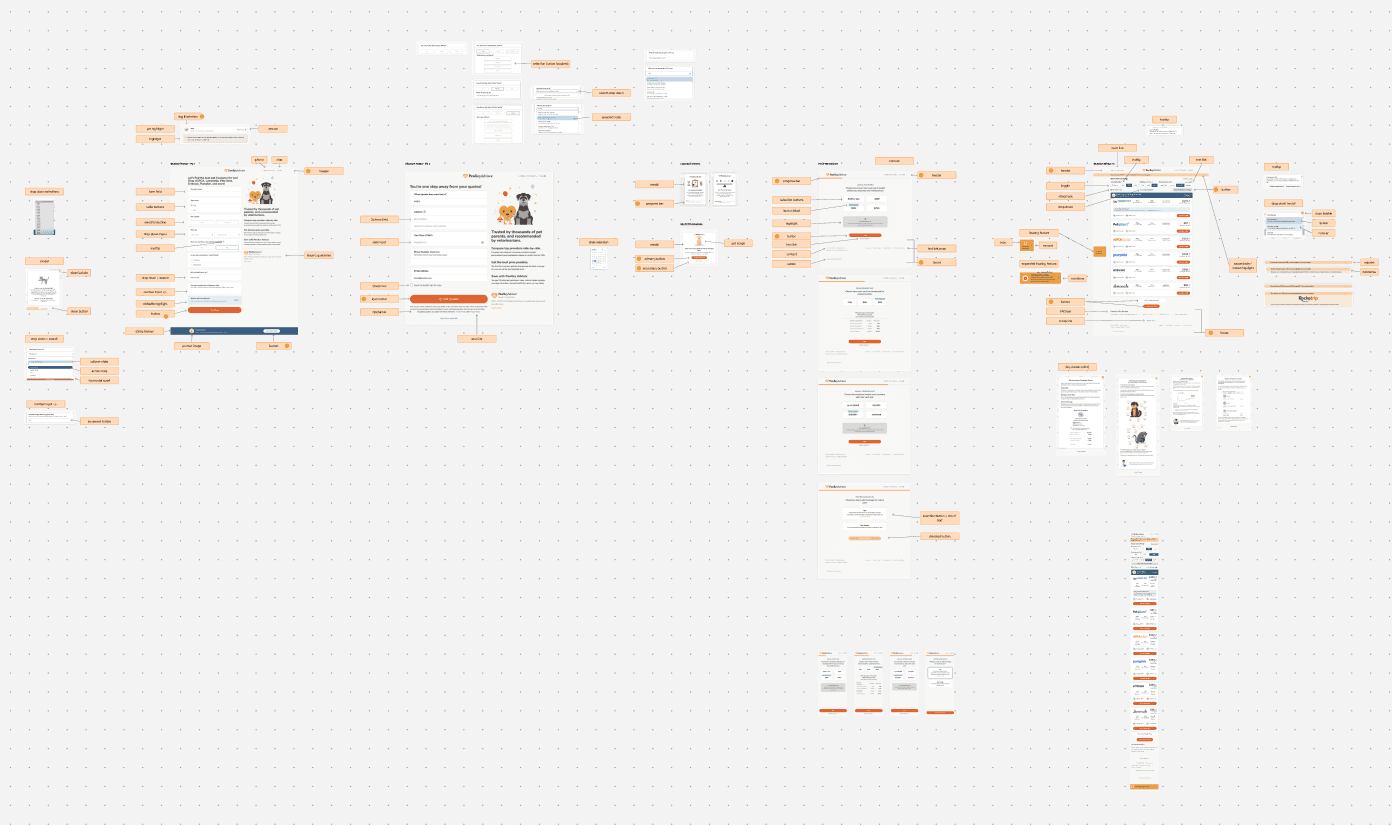
Before designing anything, I started with an audit to catalog every existing visual asset across web, print, and marketing. The goal was to identify inconsistencies in language, look and feel, components, and patterns. I also flagged accessibility issues and navigation problems that were adding friction. This gave me a clear picture of the work ahead and helped me prioritize what would have the biggest impact with the least disruption.
I conducted additional research including site analytics, surveys, and interviews with pet parents to understand what we would have to do to gain their trust. Insights into their user journey, how they browsed the site, and where they dropped off would help in prioritizing improvements and designing a lasting solution.
STRATEGY
Guided by user research, the design strategy came into focus around five principles:
Mobile first. The majority of Pawlicy’s users (68%) visited the site on mobile devices, often clicking directly from an ad they saw on social media or a link emailed by their vet. The experience needed to be designed for small screens and touch-based navigation.
Simplify ruthlessly. The visual language needed to be reduced — fewer colors, fewer type styles, fewer components — so that what remained could be used with intention and consistency by anyone at Pawlicy.
Build for scanning, not reading. Pet insurance is already an overwhelming category. The design needed to give users a clear, high-level view first, with more detail available on demand. Clear hierarchy, generous spacing, and progressive disclosure replaced walls of text.
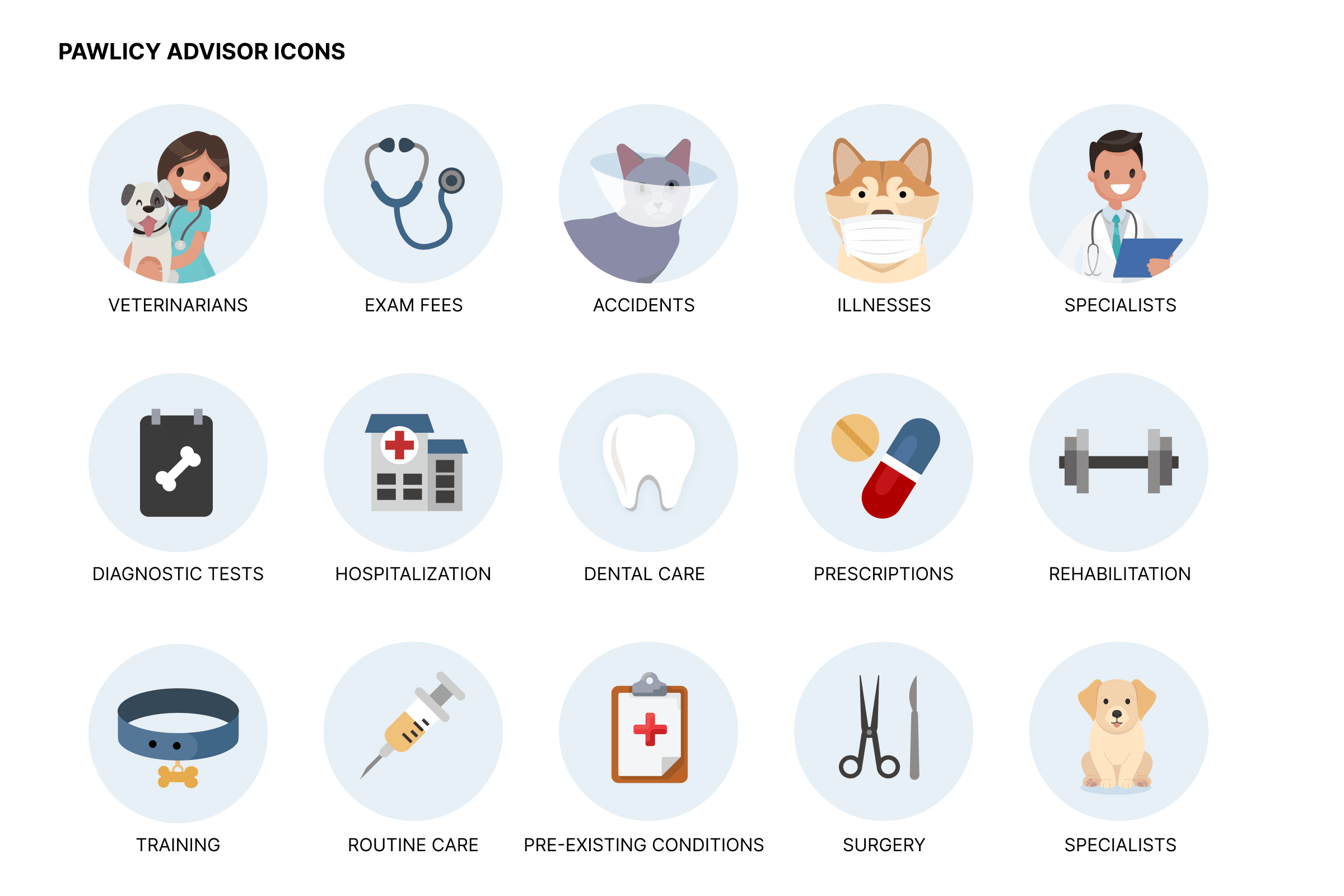
Design for the whole brand, not just the product. Pawlicy showed up at conferences, in sales decks, in blog posts, and in vet offices. Any design system work that only addressed the product would create more inconsistency and further erode consumer trust. My recommendations were built to work across every surface.
BLOG ARTICLE BEFORE
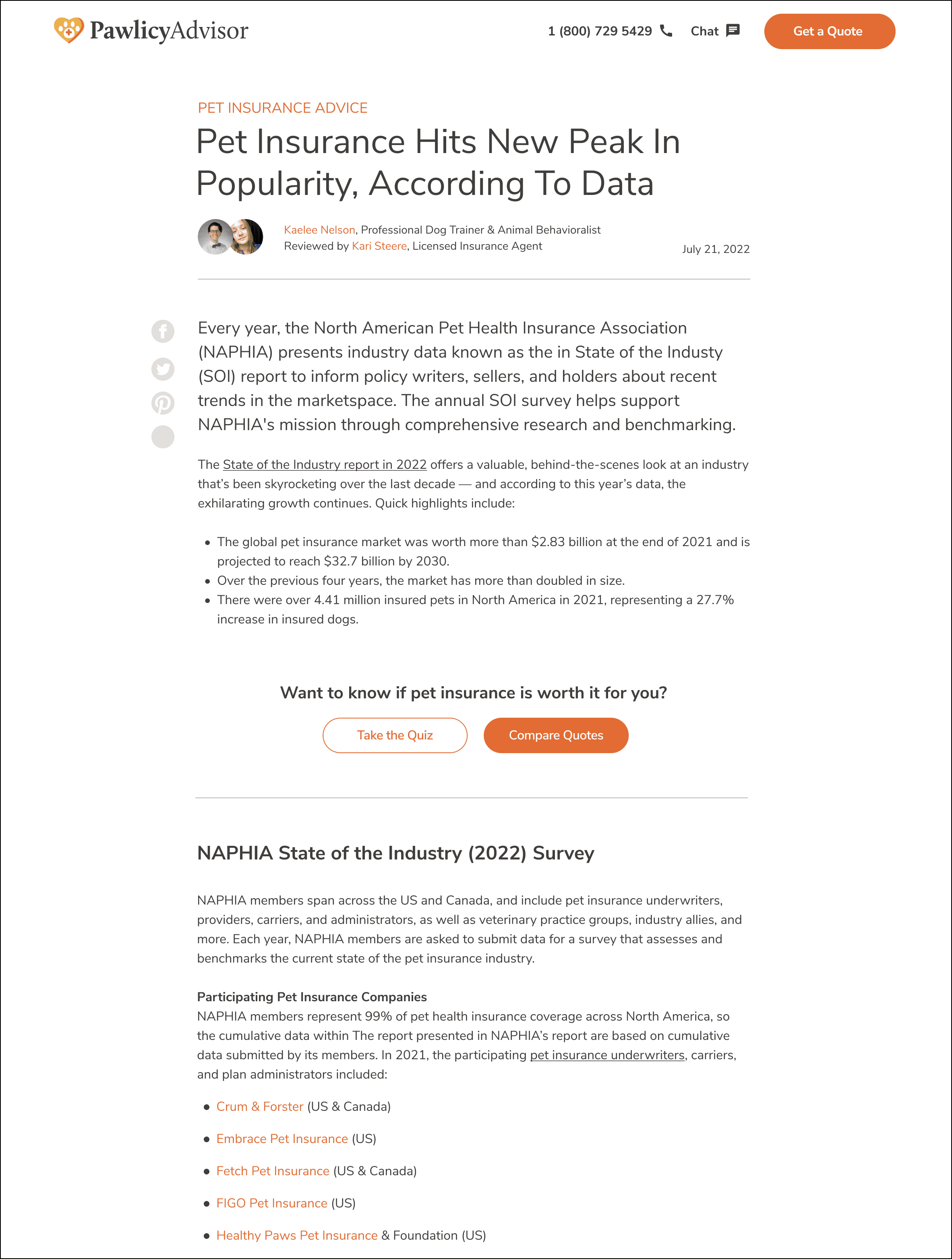
AFTER CSS UPDATES
SOLUTION & IMPLEMENTATION
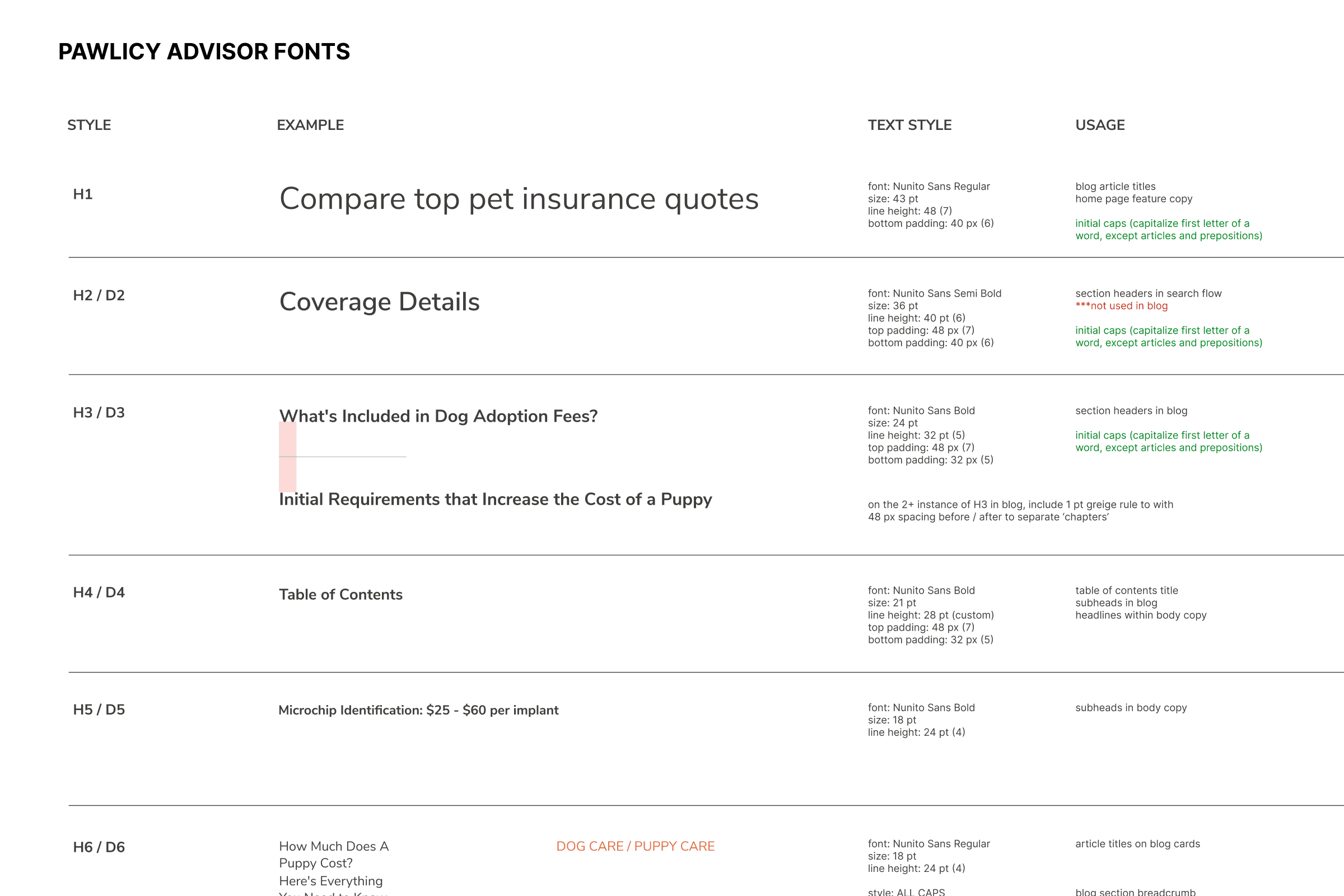
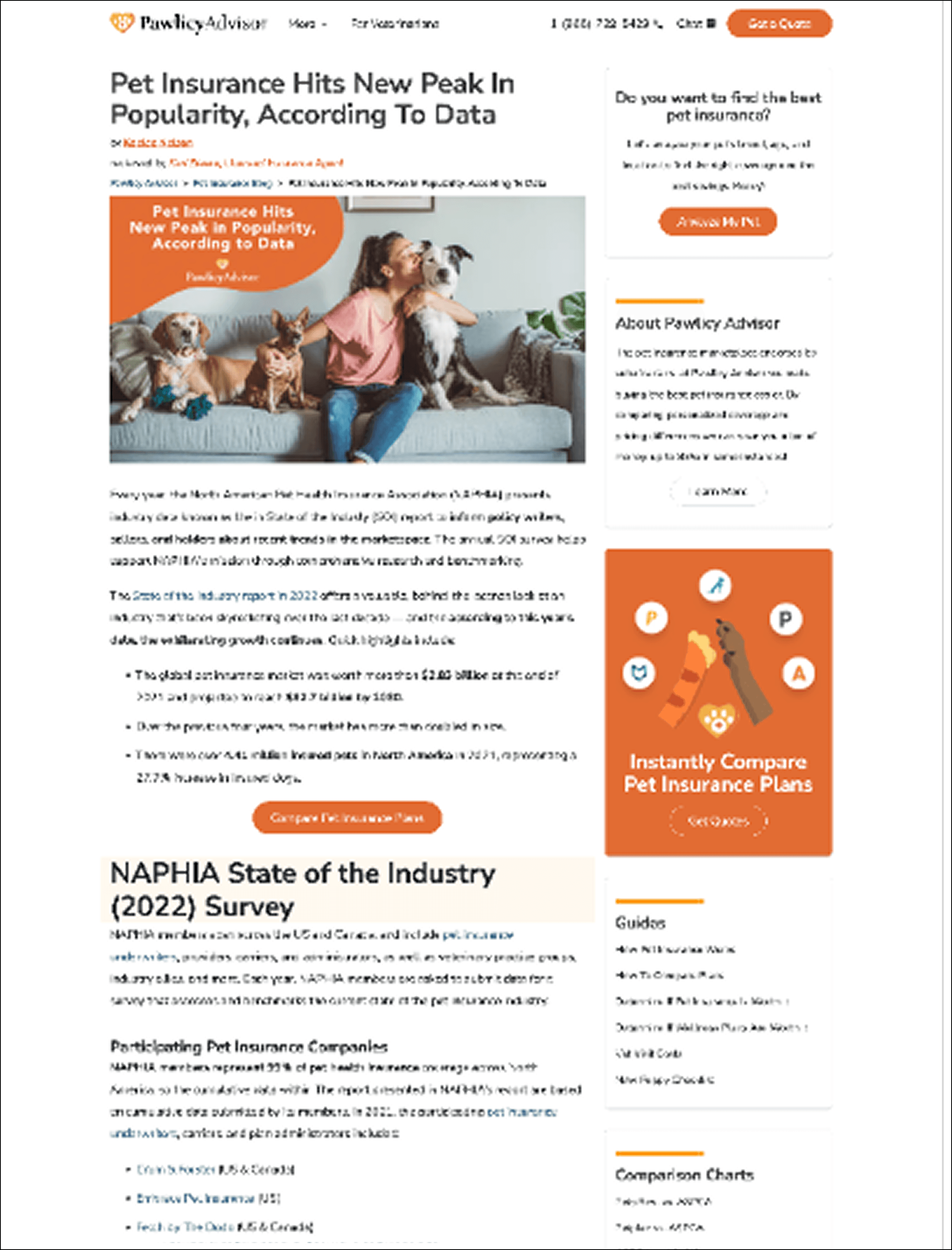
I started with changes that created immediate, site-wide impact with minimal engineering lift. Cleaning up CSS, consolidating type styles, and increasing padding sounds unglamorous. But when those changes touched the global stylesheet, the entire site felt more refined overnight — without a single page having been redesigned. I set strict rules for type usage with both marketing and engineering, documenting not just what to use but why, so that the system's logic was transferable and one-off decisions stopped creeping back in.
I migrated marketing pages to Builder.io with a library of pre-built components.
This was a force multiplier. Once marketing could create and update their own pages using a constrained component library, they stopped pulling engineering into every content request. That freed up meaningful engineering capacity to focus on the product — and it gave marketing guardrails that kept them on-system without requiring design review for every update.
I embedded design system work into every product release.
Rather than treating the design system as a separate workstream, I made it part of how we shipped. When any page was being updated for any reason, I'd identify all the reusable components on that page and include their redesign in the same project scope. Engineering would build the component, ship the page, then go back and update instances of that component elsewhere as a follow-up. Page by page, the product got cleaner — without anyone having to stop everything else to make it happen.
I built governance into the team's workflow.
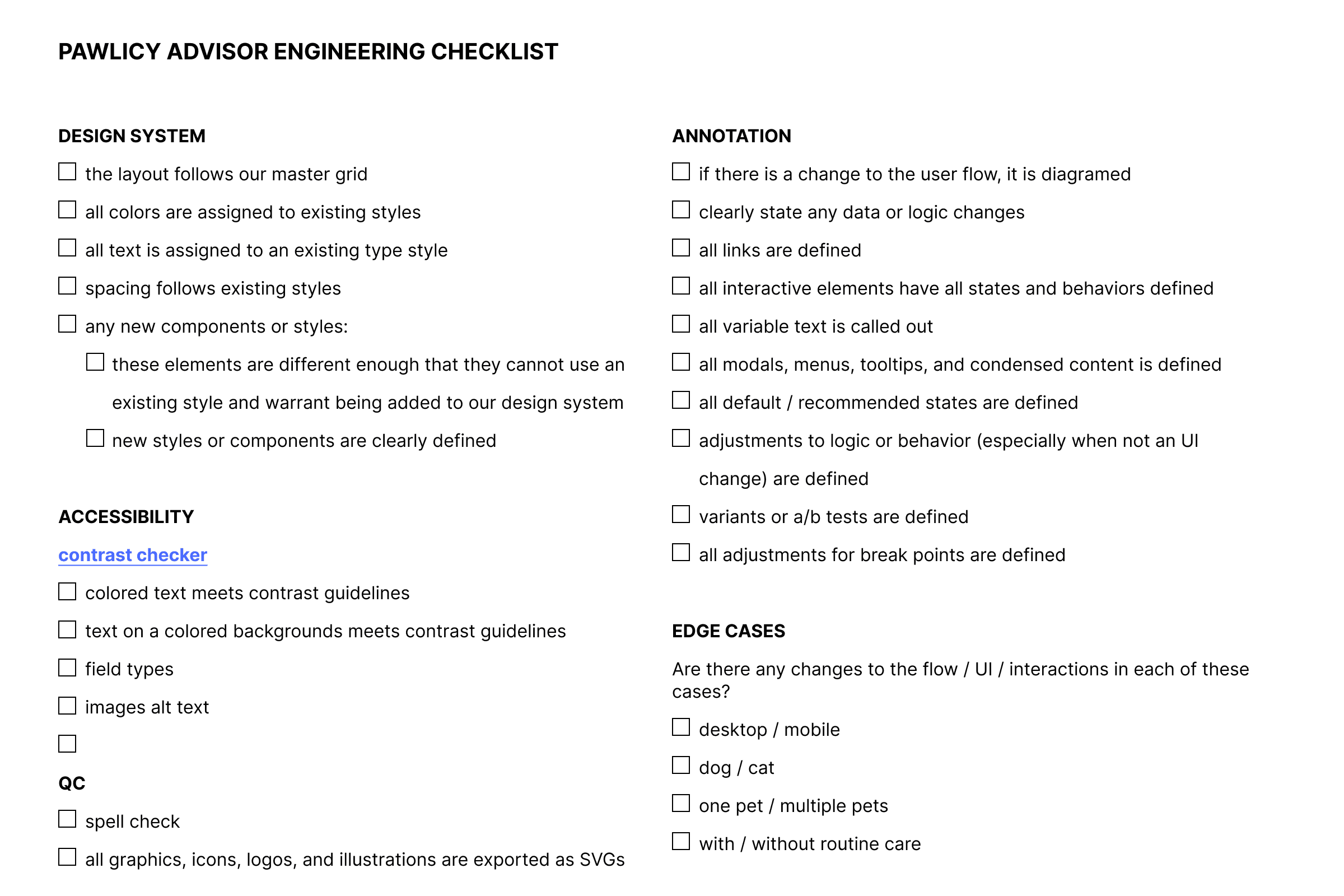
As the team grew to include two more designers and three more engineers, informal alignment wasn't enough. I added a design system section to all engineering tickets and created a handoff checklist that made system needs and refinements visible at every stage of development. Because cross-functional teams were brought into the process from the beginning, the design system wasn't something imposed on them — it was something they'd helped build and had a stake in maintaining.
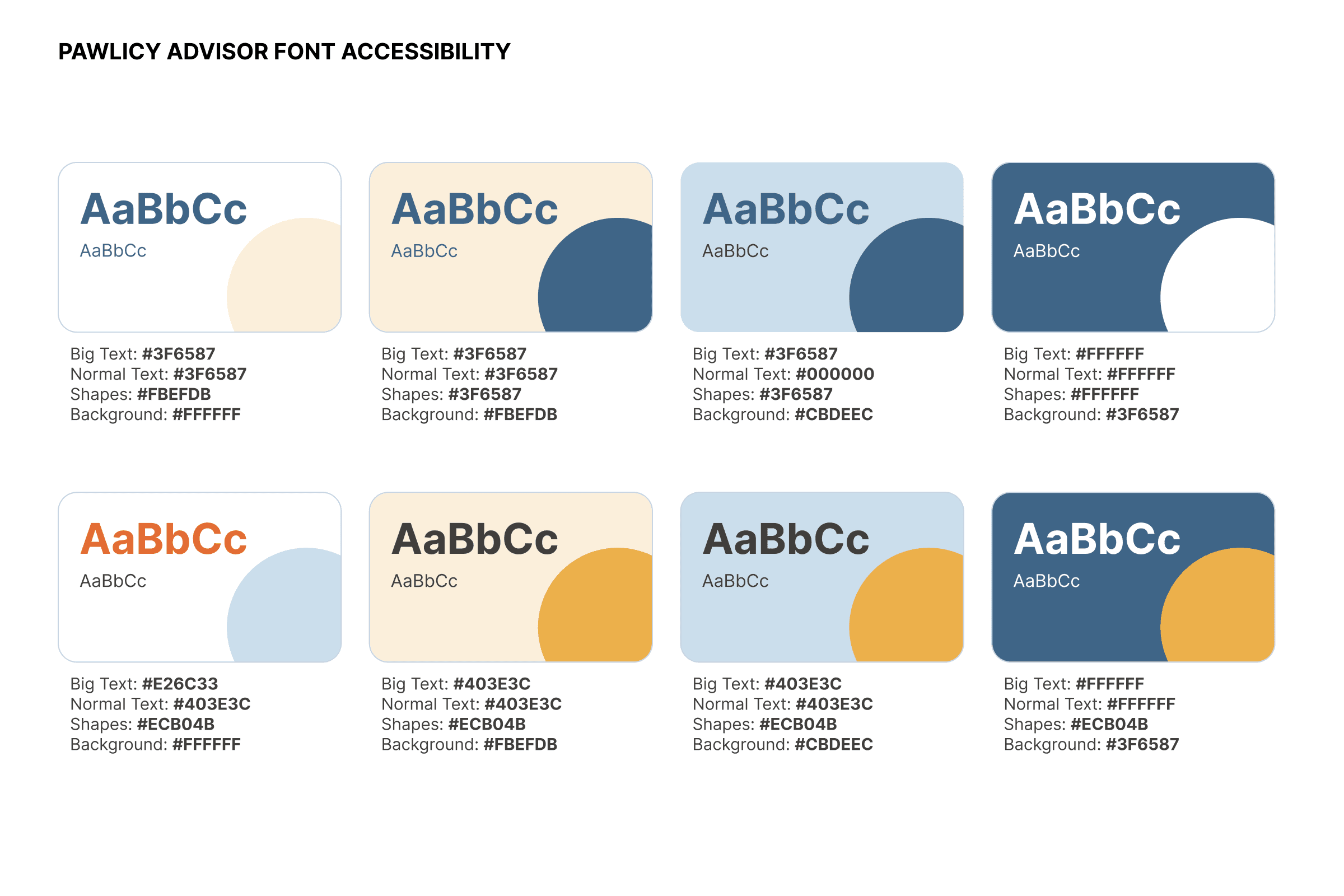
And I made it accessible. WCAG 2.1 AA and APCA compliance were a baseline requirement for every component, ensuring that the product we were building worked for every user. Pet parents span every age and ability, and an insurance marketplace that isn't accessible is leaving users and revenue on the table.